What does Wi-Fi-Go help me measure?
Wi-Fi-Go combines speed tests, ping, jitter, signal readings, device discovery, port scanning, and exported network reports in one Apple-first workflow.
Test Wi-Fi speed, map coverage, discover devices, run ping and port scans, and export clear network reports from one local-first Apple app.
Multiple tools working together to show Wi-Fi speed, signal quality, coverage, devices, and network health across your Apple devices.
A deep-dive analysis of your device hardware, router proximity, and ISP performance in a single tap.
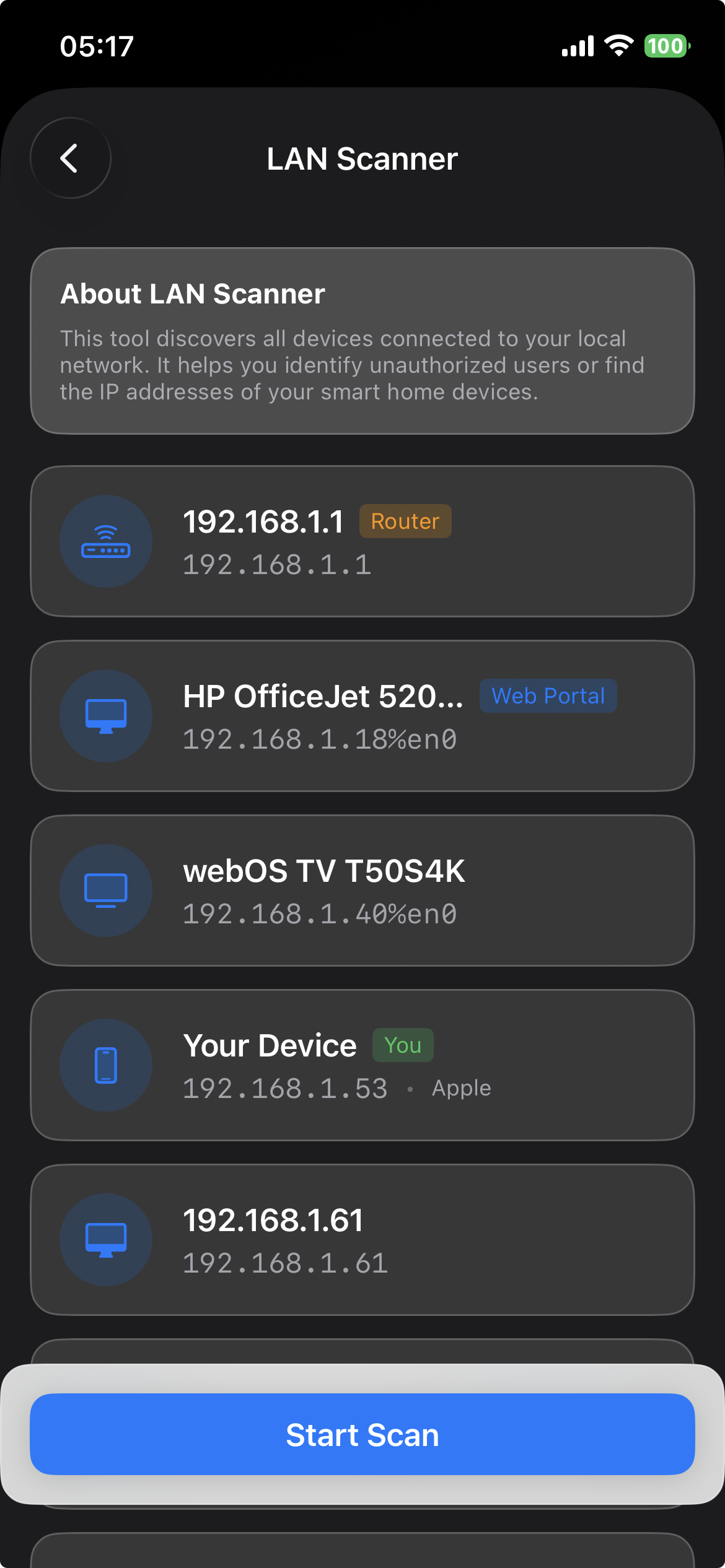
See every device on your network. Identify bandwidth hogs and potential security risks in real-time.
No accounts, no tracking, no cloud. Your network data stays on your device. The optional AI Advisor sends diagnostic data to your chosen AI provider only when you configure it — see our Privacy Policy.
Identify every connected device with precision. From smart bulbs to high-end workstations, Wi-Fi-Go cataloguing ensures you're never in the dark about your bandwidth.
Automatically identifies manufacturers like Apple, Sony, and Philips Hue.
Check for open ports and services on any discovered device with ease.
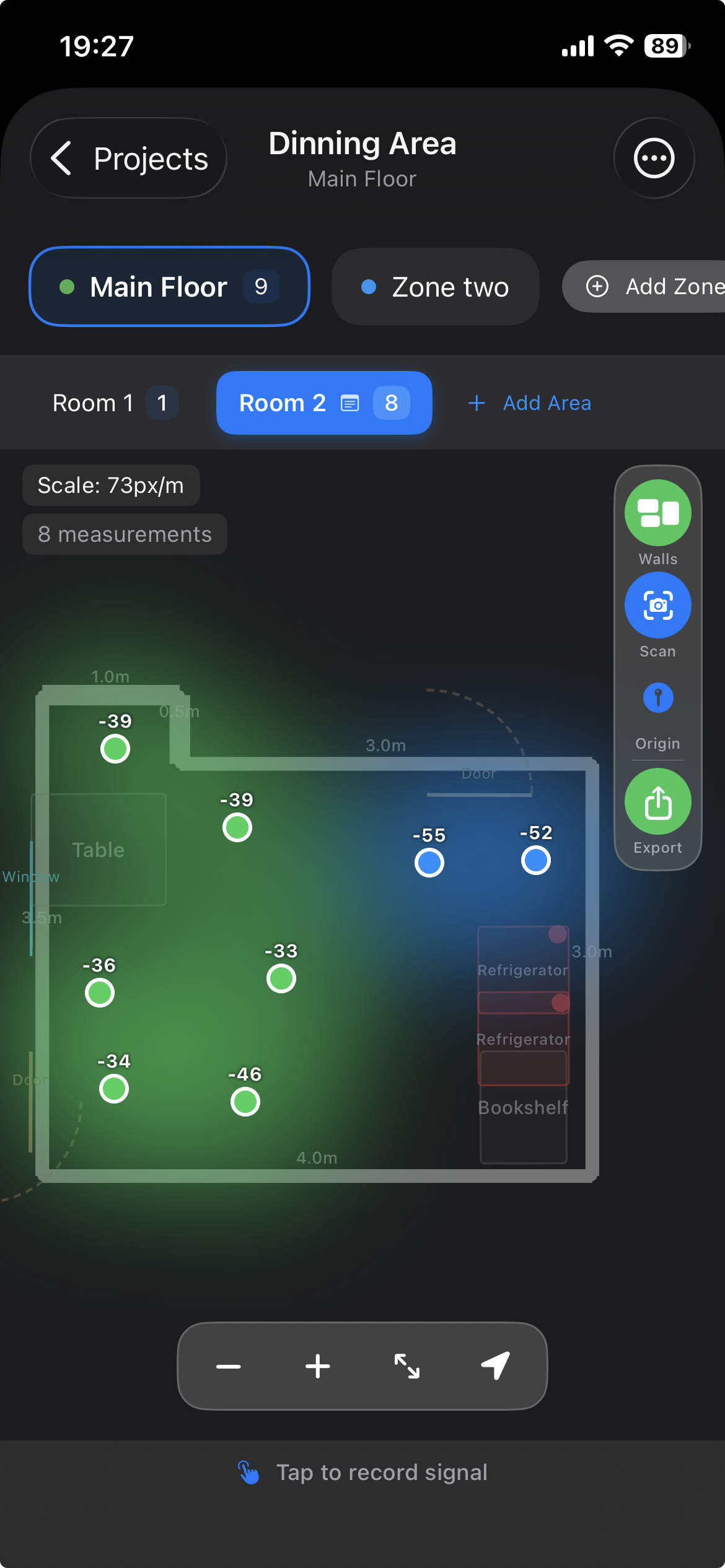
Visualize your signal like never before. Create multi-floor professional site surveys using LiDAR and AR technology.
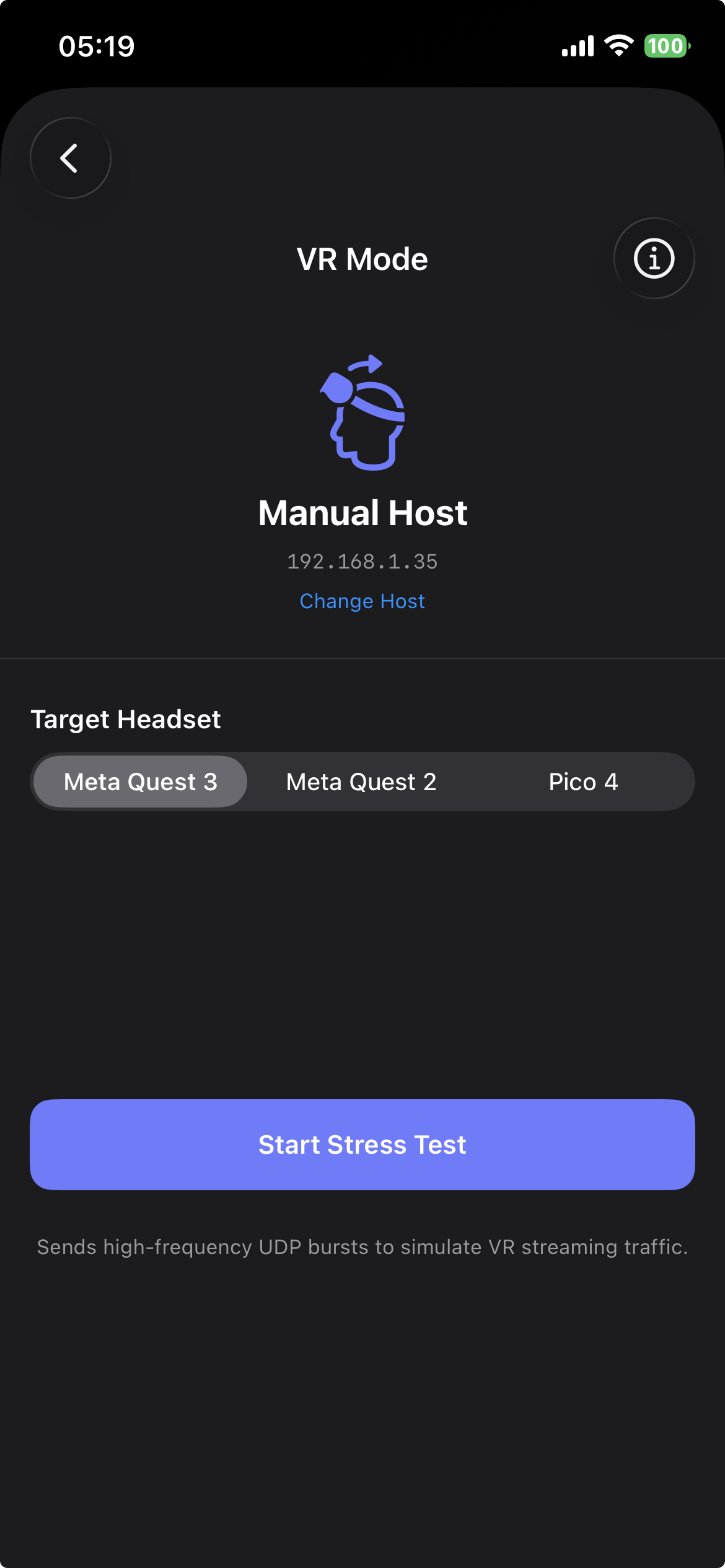
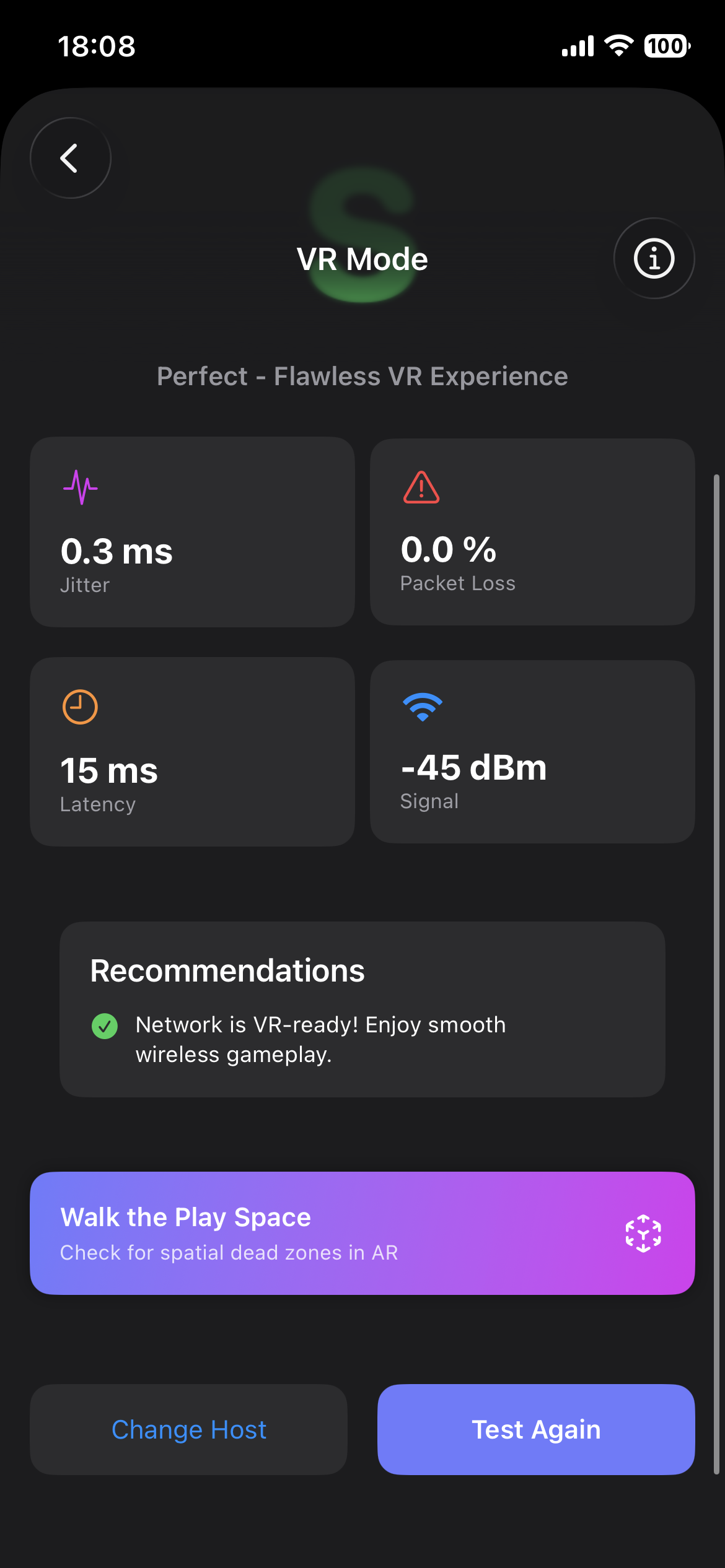
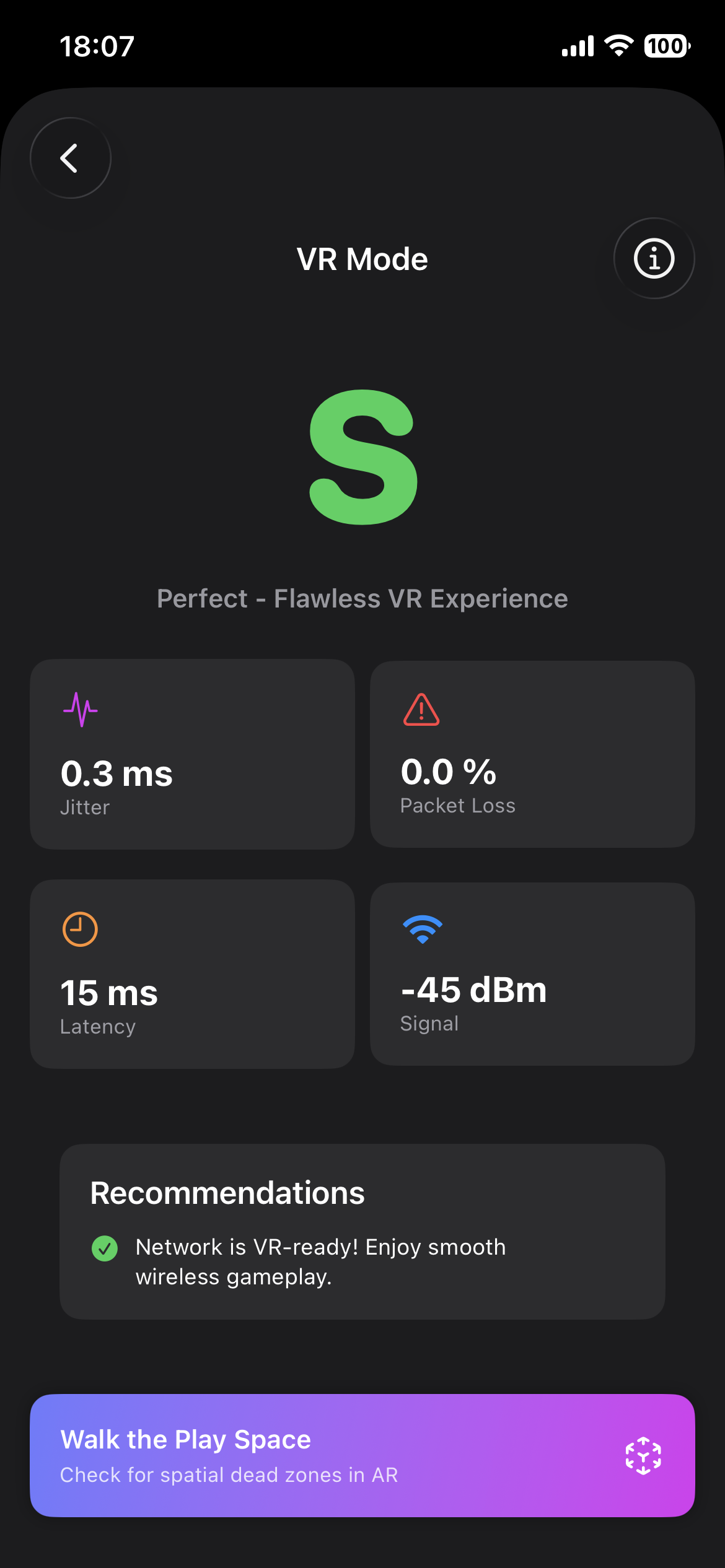
Moving beyond throughput. VR Mode evaluates 'Motion-to-Photon' readiness by stress-testing jitter and packet loss.
Optimized for Meta Quest 3, Vive, and Pico headsets.
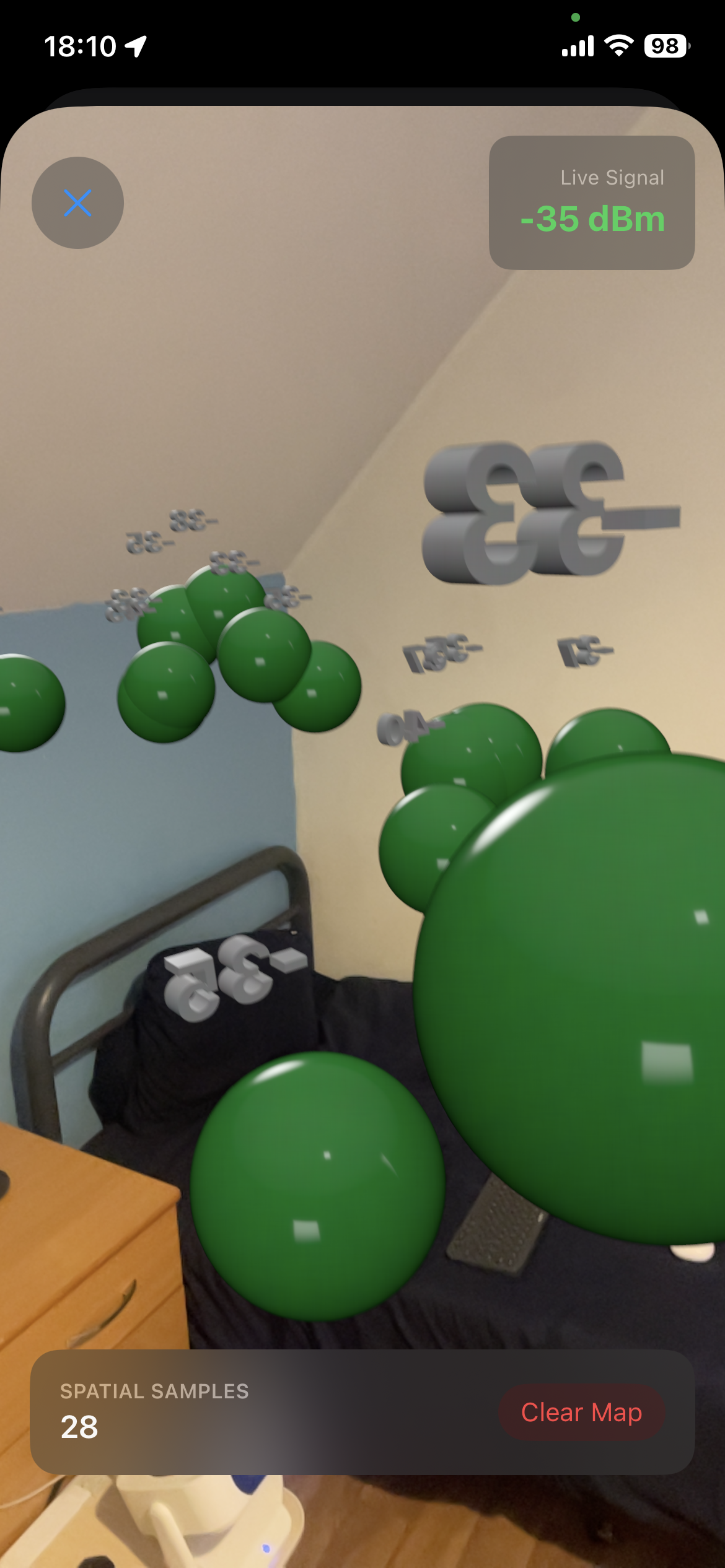
Walk your room and Wi-Fi-Go plots live signal strength as coloured 3D bubbles in augmented reality — revealing interference spots that flat heatmaps can't show.
Colour-coded 3D spheres anchored in real-world space — green for strong, red for dead zones.
ARKit world-tracking pins each sample to its exact physical location so your map persists as you move.
Screenshot to Photos or screen-record your full walkthrough — then share your AR session with clients or your ISP.
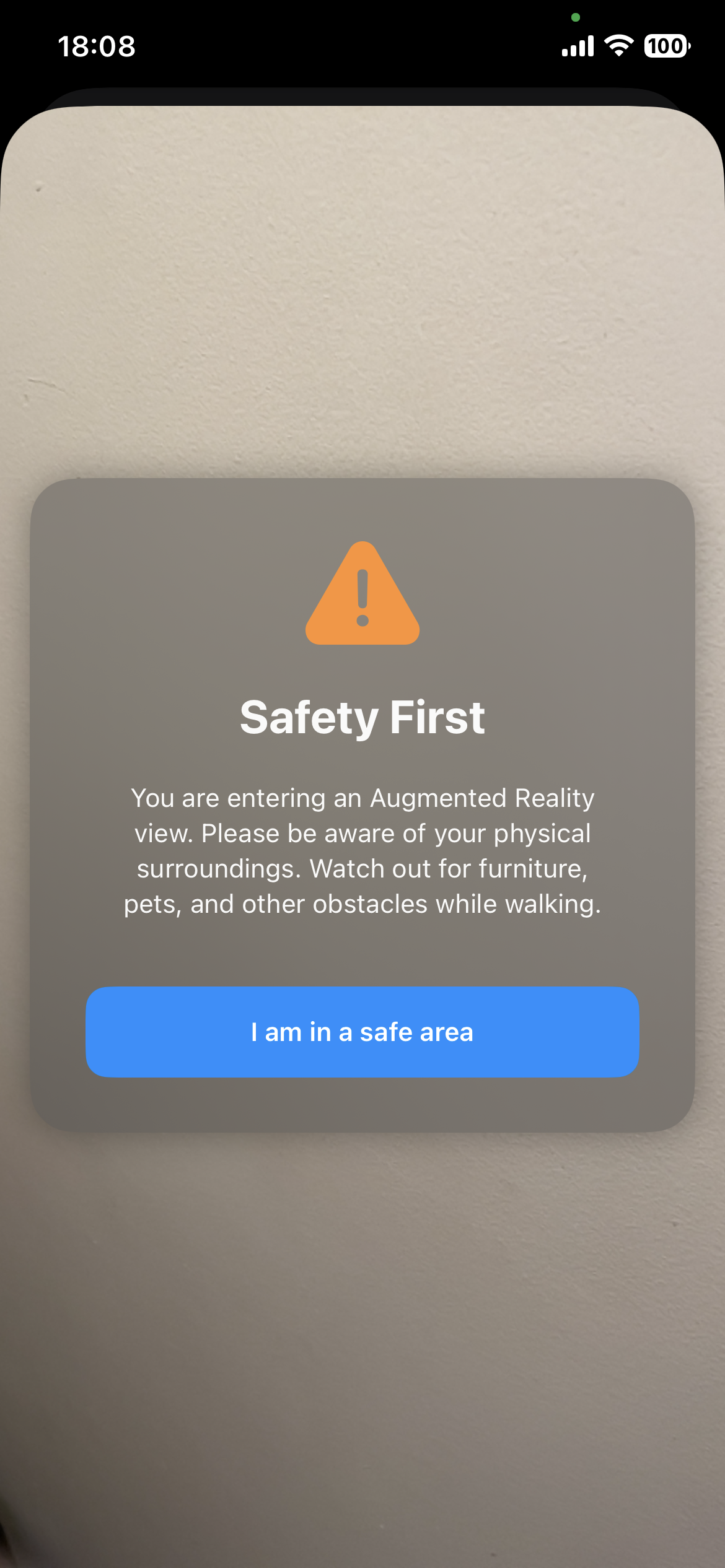
Run VR readiness stress test first, then launch the AR walkthrough to physically find the optimal headset position.
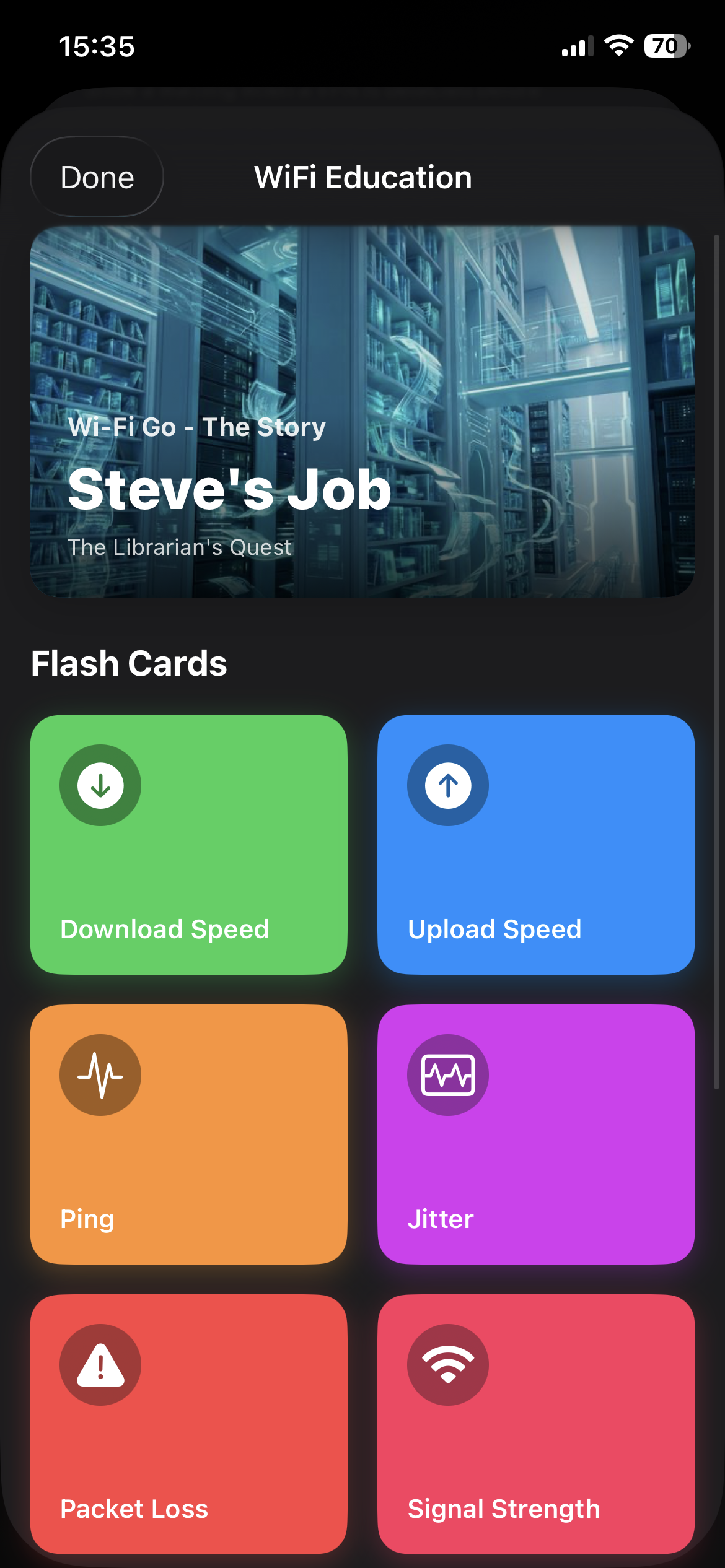
"Meet Steve. He's on a quest for information in a library while the staff deliver his data books..."
Binary jargon can be confusing. Wi-Fi-Go uses storytelling and analogies to explain complex network concepts like Bufferbloat, DFS Channels, and Signal Attenuation in a way anyone can understand.
Meet Steve in the Library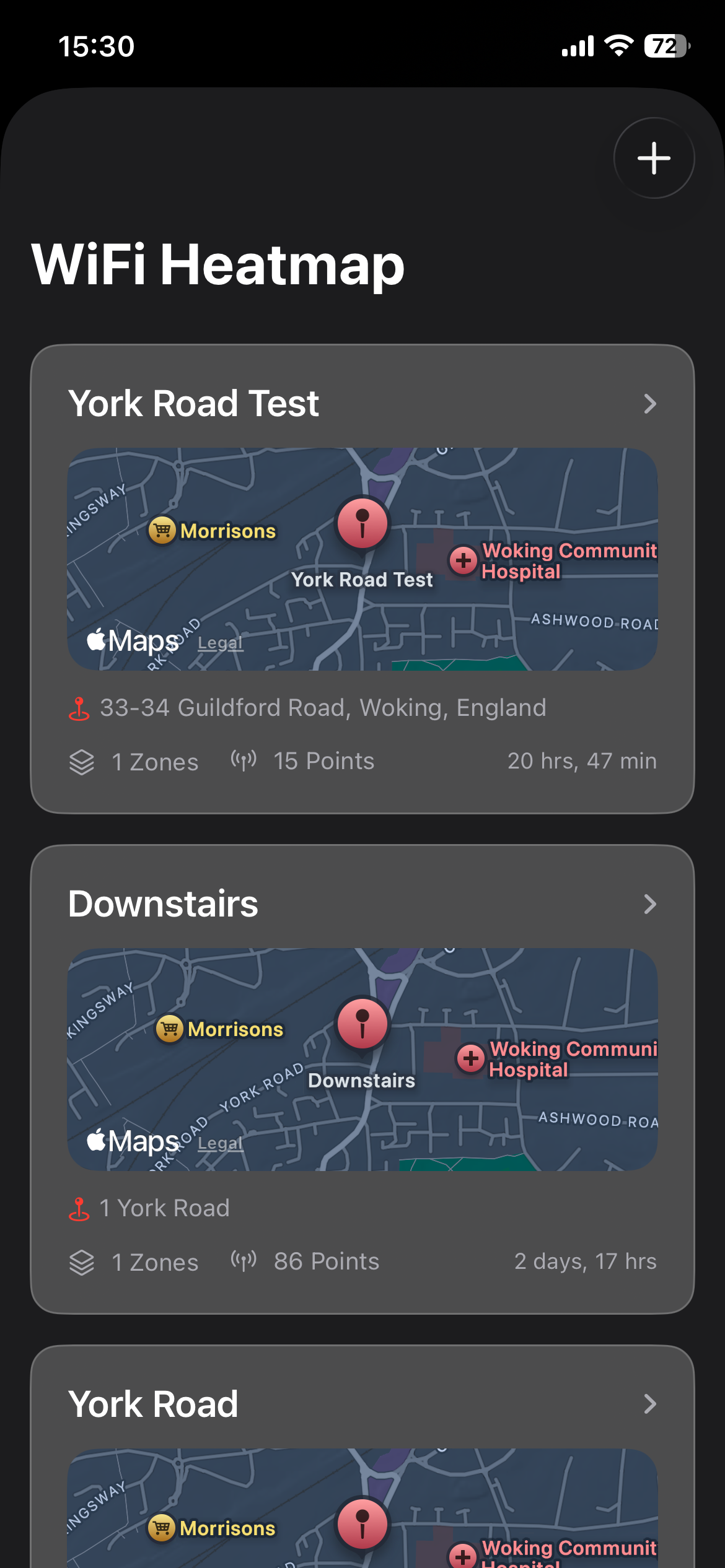
Whether you're a homeowner optimising a single property or an IT professional managing a portfolio of buildings, Wi-Fi-Go's Projects system keeps every heatmap survey, zone reading, and LiDAR floor plan beautifully organised and instantly accessible.
Create separate projects for your home, office, rental properties — each with its own zones, readings, and export history.
Each project displays a live signal quality score, so you can instantly see which locations need attention without opening a single report.
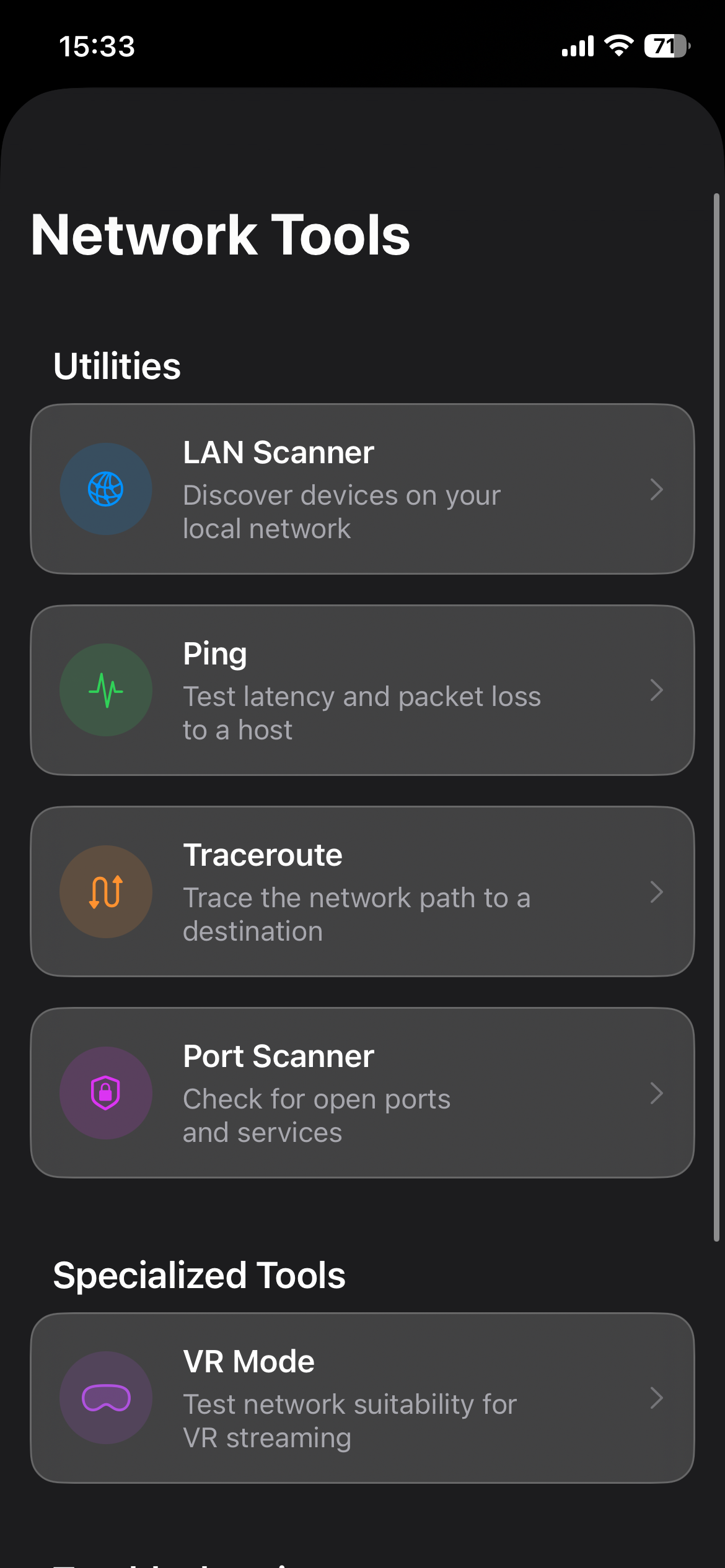
Go beyond speed tests. Wi-Fi-Go arms you with an entire suite of professional-grade network utilities — Ping, Traceroute, Port Scanner, LAN device discovery, real-time VR readiness testing, and an automated Wi-Fi Fix engine — all in one elegant interface.
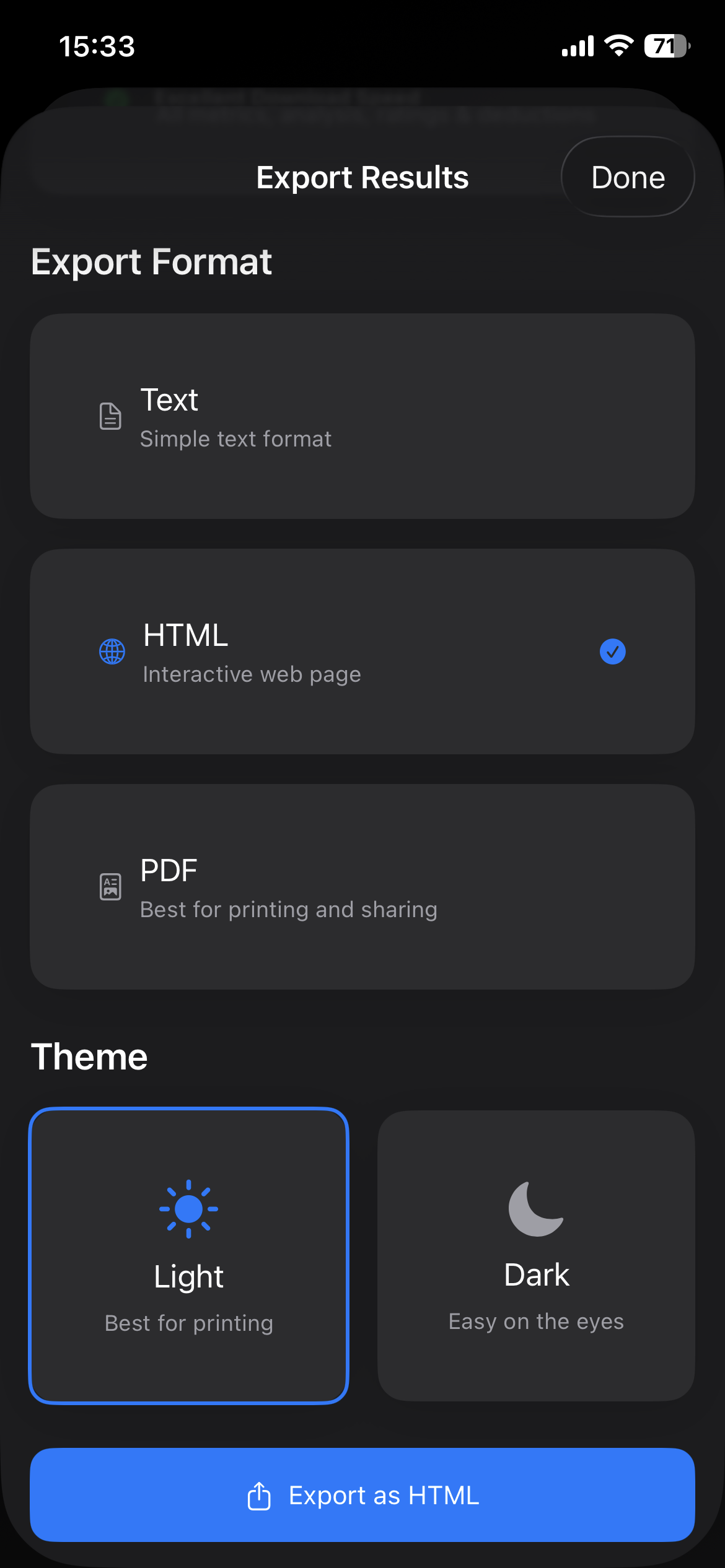
Every scan, heatmap, and diagnostic result can be exported in seconds. Share a polished PDF report with your ISP, landlord, IT team, or simply keep an archive of how your network performs over time.
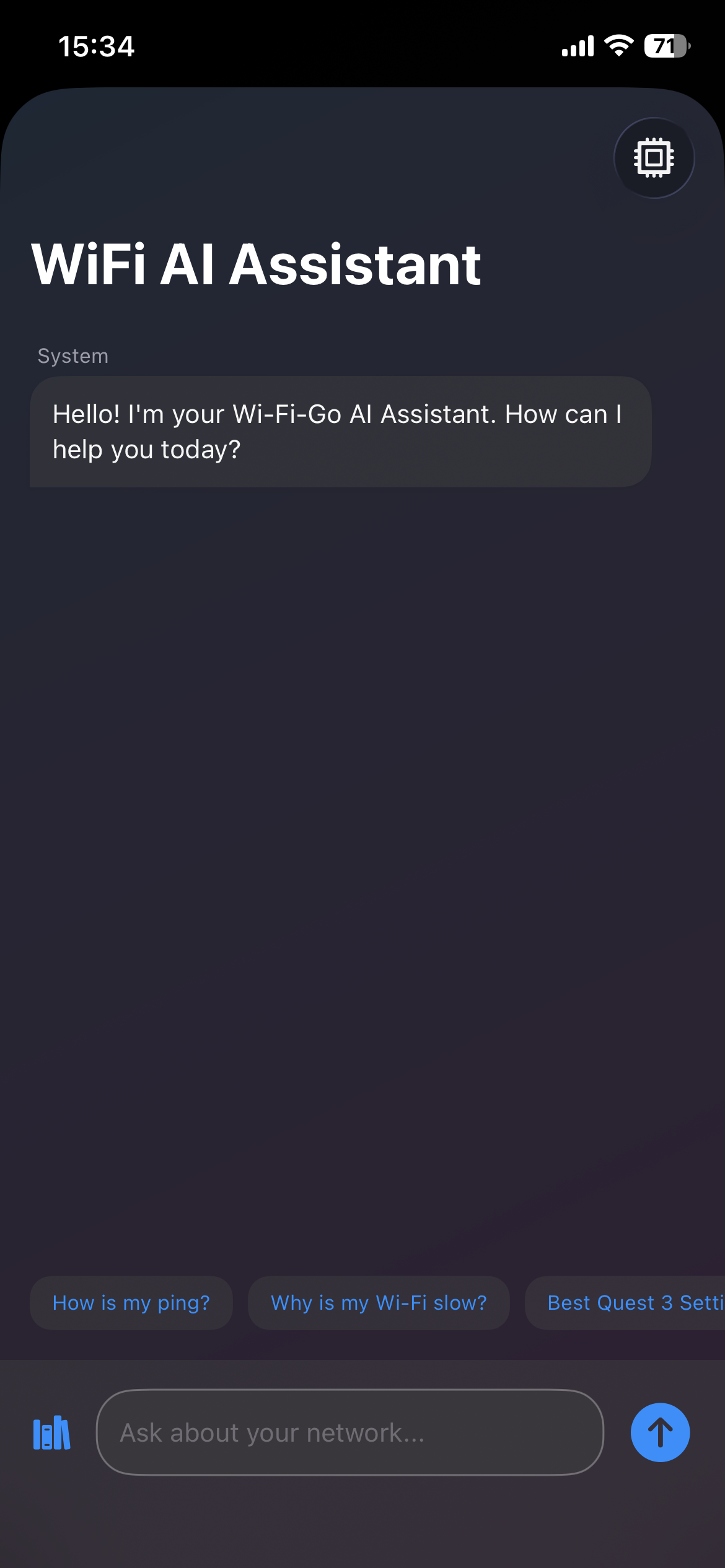
The Wi-Fi-Go AI Assistant doesn't just read your scan results — it reasons about them. Powered by your choice of Google Gemini, Apple Intelligence, or OpenAI, it delivers expert-level Wi-Fi troubleshooting advice personalised to your exact setup.
Import PDF, TXT, or Markdown files — including your router manual, mesh system guide, or ISP documentation — and the AI uses that knowledge to give you laser-accurate advice specific to your hardware.
The AI reads your live scan data — speed, latency, signal, DNS — and explains exactly what's wrong and how to fix it, in plain English.
Your API key is stored locally. Your network data never leaves your device. Your uploaded documents stay private. Always.
Choose the plan that fits your diagnostics, heatmapping, and reporting needs.
Monthly subscription
Yearly
Save 33%One-time payment
Pricing shown in GBP for guidance. Final local pricing, billing periods, and availability are shown in the App Store.
Quick answers for homeowners, creators, and IT teams comparing Wi-Fi-Go with other network tools.
Wi-Fi-Go combines speed tests, ping, jitter, signal readings, device discovery, port scanning, and exported network reports in one Apple-first workflow.
Yes. Visit the heatmapping section to see how imported floor plans and room-by-room surveys help you find dead zones fast.
Wi-Fi-Go is local-first. Floor plans, scans, and reports stay on your device unless you choose to export or share them. Read the full privacy policy.
Yes. The free tier covers core scanning and discovery, while Pro plans unlock heatmapping, advanced diagnostics, unlimited history, and richer exports.
Wi-Fi-Go is designed for iPhone and iPad so you can diagnose home Wi-Fi, office networks, and multi-room coverage from the devices you already use.
Use the contact page for launch updates, support, feature requests, and early-access enquiries.